ONE RACE. EVERYTHING ON THE LINE.
No second chances. No easy passes. Just pressure, strategy, and all-out racing when it matters most. Secure your seats now and be there for every moment!
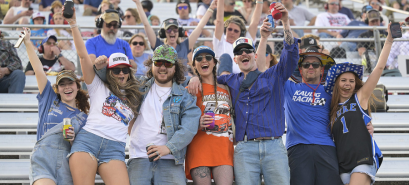
GRANDSTAND SEATING
There’s nothing like experiencing NASCAR Cup Series racing in person—the thunder of the engines, the smell of burning rubber, and the nonstop action you can feel in your chest.
And there’s no better place to experience it all than Martinsville Speedway. Be there when it happens this October 31-November 1.
Secure your reserved seats now and witness every lap, every bump, and every moment LIVE at Martinsville!
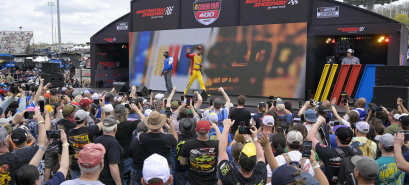
PRE-RACE EXPERIENCE
Take your race day at The Short Track to the next level with the Pre-Race Experience—get up close for driver introductions, enjoy special Q&A sessions with NASCAR personalities, and step onto the track before the green flag.
Don’t miss your chance to walk the same surface where 500 laps of Martinsville history will unfold.
*SUNDAY ONLY. Admission Tickets Required.
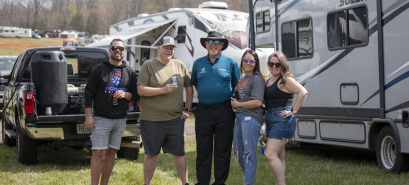
CAMPING
Don’t just come for race day—camp and live the full Martinsville race weekend experience. Lock in your camping spot and stay close to the action from the first engine start to the final lap.
Need guidance on the best experience for your weekend? Schedule a call and we’ll help you choose the best fit for you.
Feel the intensity of short-track racing at Martinsville, where every lap delivers bumper-to-bumper action, roaring crowds, and the kind of unforgettable moments only NASCAR’s most iconic paperclip-shaped track can provide.
Renew now to keep your seats. Select Early Bird tickets are now available.
BUY 2027 TICKETS


